Build First, Study Second: How a DIY UnRAID NAS Kickstarted My IT Journey
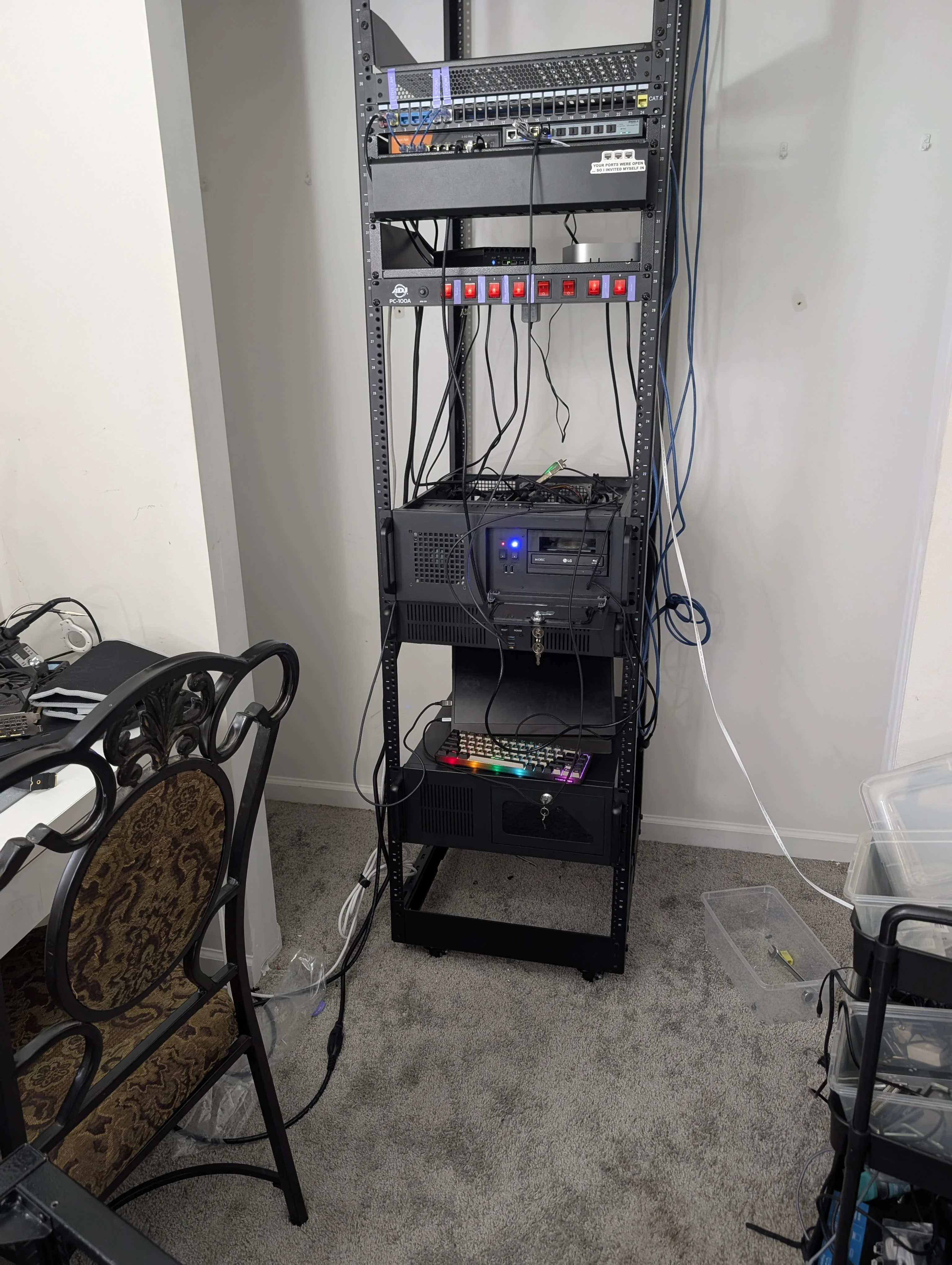
My journey into building a homelab did not start with a baller 45U server rack; it started with leftover parts after a gaming PC upgrade. It was an AM4 Ryzen 3600 and an MSI B450M motherboard left in the old PC case. Those parts were getting a little long in the tooth for modern gaming, but perfectly capable for a home server..
I needed a reliable, scalable NAS for my everyday needs, but I didn't want to buy an expensive, underpowered commercial unit. Rather than overwhelm you with a dozen operating system options, this post focuses on why I chose UnRAID to bootstrap my lab, its pros and cons, and how it can accelerate your own IT journey.
If you are looking for inspiration to avoid e-waste, YouTube channels like Hardware Haven and Raid Owl are absolute goldmines for repurposing old hardware.
The Storage Problem and How UnRAID Solves It
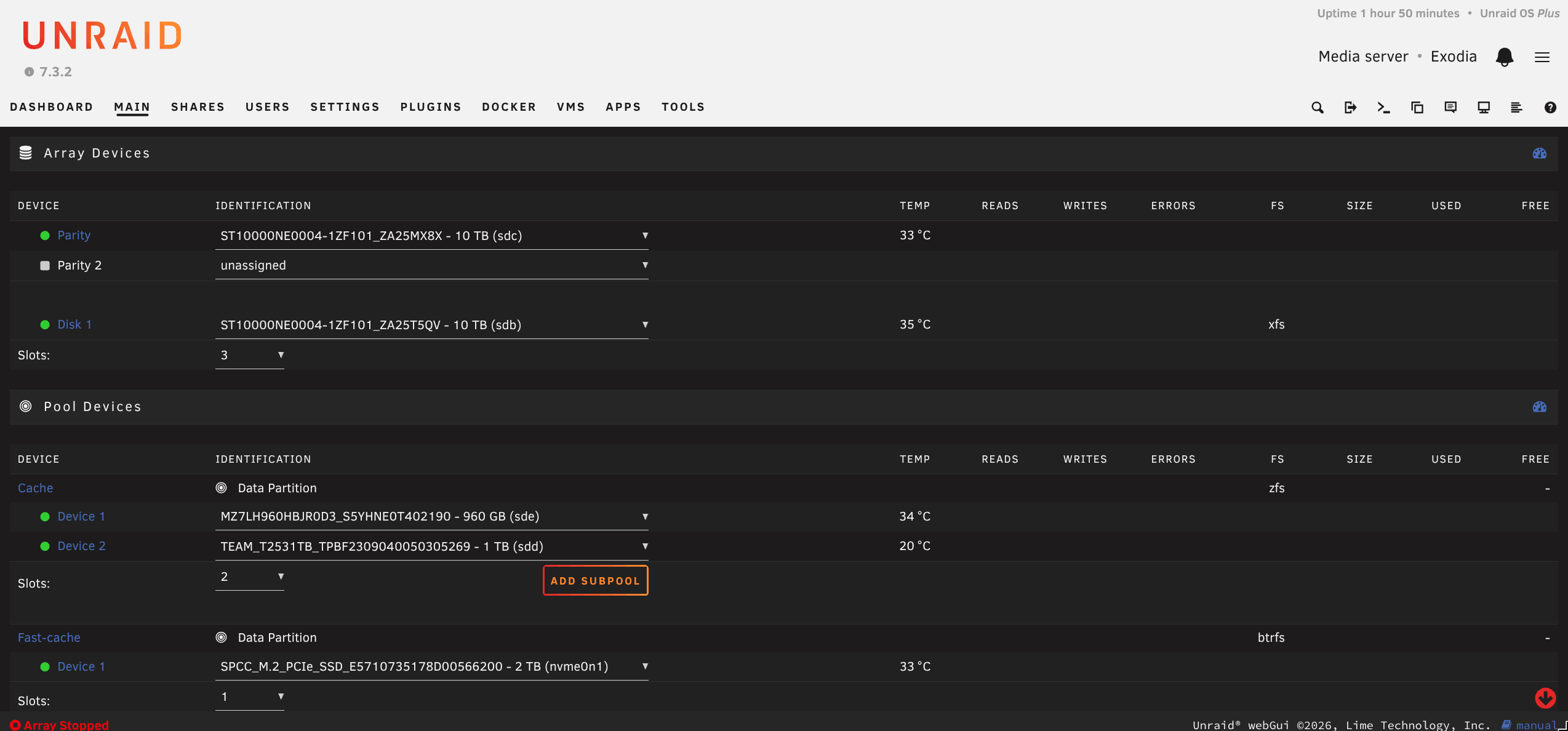
Most operating systems use a traditional RAID striping to provide data redundancy. While effective, traditional RAID has a massive drawback for beginners repurposing hardware: the drives must be identical in size. If you mix sizes, every drive is capped by the smallest capacity in the array, rendering your larger drives useless.
UnRAID solves this using a dedicated parity system, giving you incredible flexibility:
-
Mix and Match: You aren't locked into a specific storage size. You can use whatever spare drives you have available.
-
The Parity Drive: Your largest capacity drive acts as the parity drive, creating redundancy for the rest of the array.
-
Scalable Protection: A single parity drive protects against one complete drive failure, while dual parity protects against two.
-
Flexible Upgrades: You only need to buy new, larger drives when your storage pool actually demands it, rather than buying expensive identical drives upfront.
The Noob Friendly Ecosystem
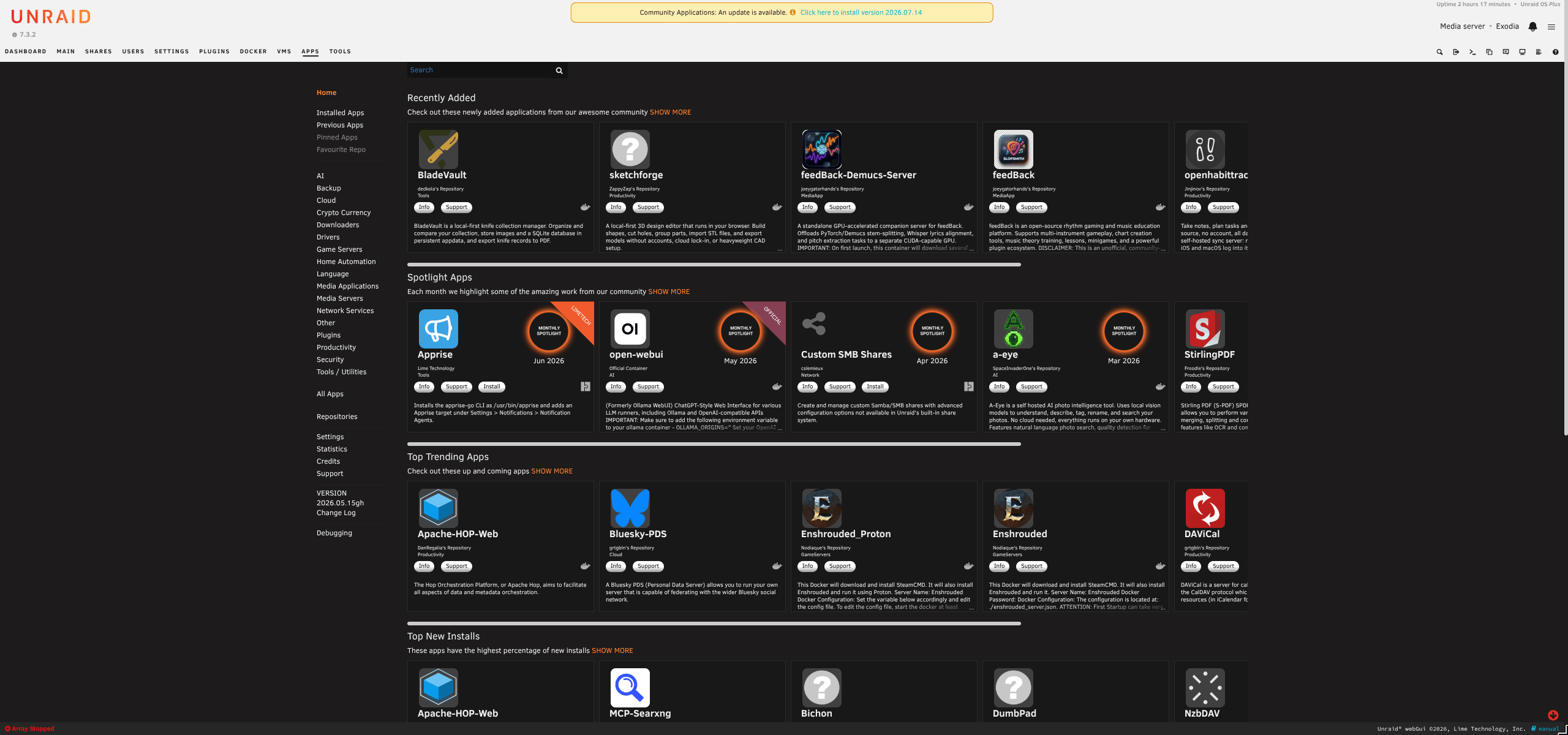
When I started this project, I was overwhelmed by RAID configurations and had never written a Docker compose file. UnRAID’s web GUI is solid and the community app store provided Docker templates that made deploying popular self-hosted services easier to set up. There are a lot of Unraid tutorials on the web!
You don’t need to be a network engineer or a sysadmin to configure UnRAID. Those easier wins create the motivation to dig deep. Even using the web GUI to set up VMs and Docker containers in UnRAID, it develops the foundation you need before you move on to deploying OPNsense firewalls, designing complex network topologies, and possibly expanding your homelab build.
My UnRAID server showed me I could use CompTIA Network+ certification to prove my skills and fill in gaps in my knowledge I was missing. I see many people get the cert first, then build a homelab.
My philosophy is the opposite: build first, or build while you study.
Building this server transformed abstract networking theories into practical skills and proved that my passion is an employable skill.
The Flexibility of Hardware Freedom
UnRaid runs from a USB flash drive and loads into ram. This feature means UnRAID is incredibly hardware agnostic. My server has gone through several different changes over time. It has a completely different CPU, motherboard, storage, and currently sitting in a 4U rack mount chassis. Those upgrades happened incrementally and I didn’t lose any of my progress or data. This feature gave me the confidence to start with what I had without a worry about upgrading in the future. That kind of hardware freedom is what makes this hobby so addictive. Creators like Jeff Geerling constantly inspire creativity and give me ideas for future projects.
The DIY Gotchas
UnRAID isn't the only valid choice. While it checked all the right boxes for me, here are some things to look out for when choosing UnRAID or building a server:
-
The Subscription: UnRAID recently transitioned from a one-time lifetime fee to a yearly subscription model for new users. If you’re on a strict budget or prefer to support opensource, you will need to weigh this recurring cost against free alternatives like TrueNAS or CasaOS.
-
Power and Space: “Off the shelf” commercial NAS solutions for homes are purpose-built to be compact and sip power. Repurposing an old mid-tower gaming rig means your server is going to take up significantly more physical space and draw more electricity on your monthly bill.
-
You're the Support Team: When you piece together desktop hardware, you don't get a warranty or an enterprise support line. For an aspiring network engineer, this is exactly the point; troubleshooting is how you learn, but important to keep in mind.
Conclusion
Based on my needs and my philosophy of build first (or at the same time) as you’re studying for a certification and that you shouldn’t have to know all the fine details before you start tinkering, I decided that UnRAID was the best solution for me.
Regardless of what OS best suits you, dust off that old PC or rescue one from heading to the dump and build something that will serve you. You don’t need permission to create real hands-on experience and it can be a lot more fun than solely grinding that study guide!