Locked Out of the OPNsense GUI? Bypassing the HDMI Bug on Bare-Metal

No matter how many tutorials you watch, what certifications you have, if you are creating firewall rules for the first time, you will lock yourself out of the firewall GUI.
And honestly, I tried to avoid it at all costs. Until it finally happened and after we fixed it, I realized it taught me more than following any guide. So if you’re currently panicking, take a breath, and see if my situation is similar to yours.
My friend Jack was at the lab (my house) helping me configure my OPNsense firewall, running off an Intel N100 mini pc, when all the sudden the admin portal stopped responding.

I would be lying if I wasn’t panicking. We were both trying different stuff to fix the issue. I quickly figured we need to try one potential fix at a time and to work together to be on the same page.
Failed Attempt 1:
Since my pc was and the AP (Jack was using wifi) was connected to the primary switch, our first thought was to bypass the managed switch entirely and plug a laptop directly into the mini pc, where the switch was originally plugged into and.. Nada, zip, nothing. We even tried plugging into the WAN port too. The lights were on, but no one was home.
Failed Attempt 2:
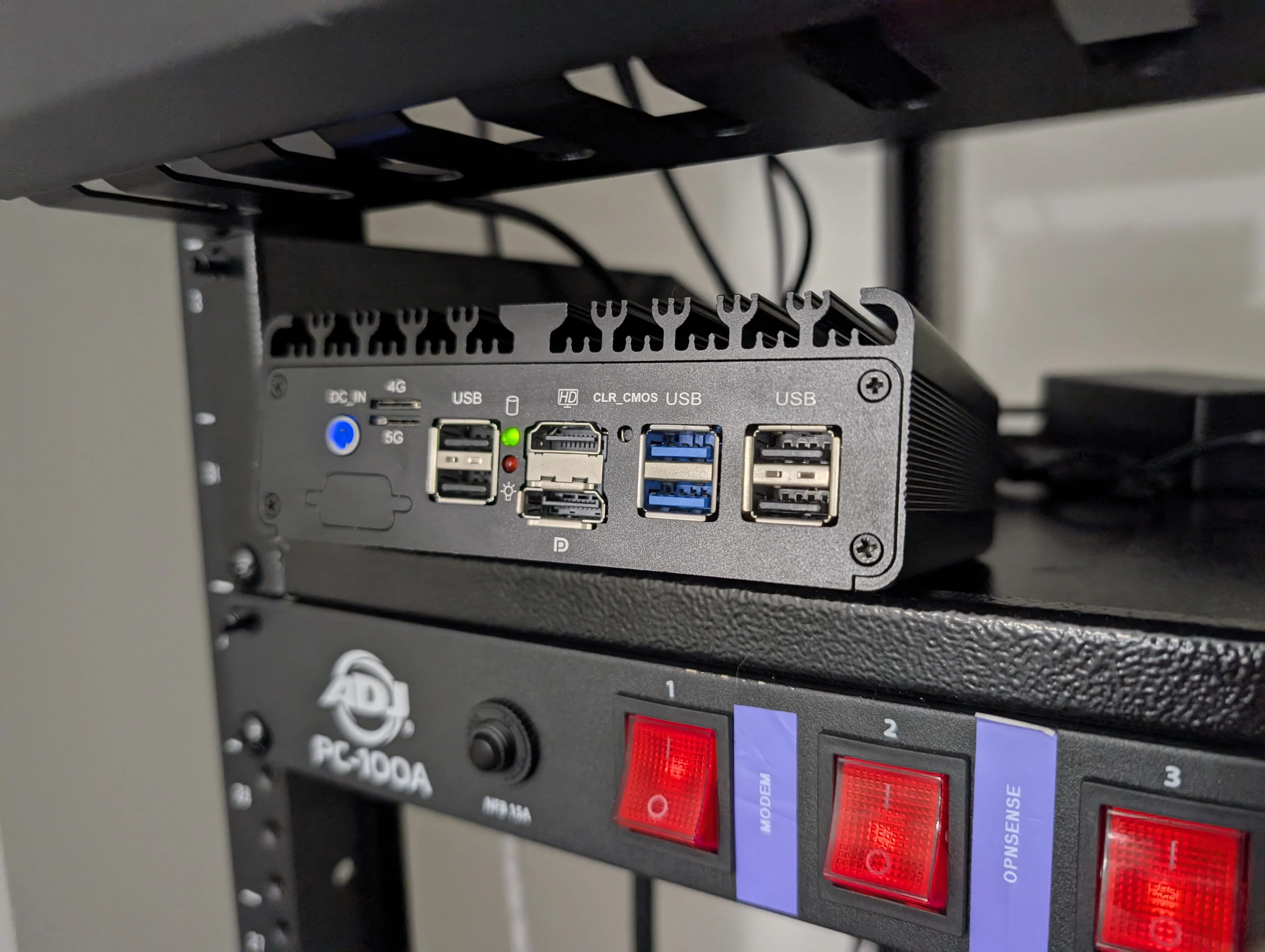
Since OPNsense was installed on a mini pc, there is an HDMI port we can plug into. We were both surprised when we kept getting no signal on the monitor. Close but no cigar..
The Discovery:
I used Gemini LLM to search the web for potential solutions and provided the context of our failed attempts, specifically the lack of output on the monitor. Using the same monitor when initially installing OPNsense, I was confused. Voilà, Gemini responded with a known OPNsense/FreeBSD quirk where hot-plugging an HDMI cable after boot will not output a signal.
The Solution: Reverting OPNsense Rules via Terminal Option 13
After confirming Gemini’s sources and after exhausting all other possible options, we left the monitor plugged in and rebooted the mini pc. Sure enough we saw the pc’s boot screen and then quickly saw that sweet scrolling text of OPNsense starting all of its services, once again feelin’ like a hackerman.
Once OPNsense is fully up and running, you will be asked to login (must login as root) and on success, greeted with the OPNsense terminal menu. This blog will focus on one crucial menu option, #13: Restore a configuration.
This beauty of an option gives you the ability to rewind your self-induced pwn. The geniuses that make OPNsense made a feature that automagically creates a backup every time you click “Apply Changes” before committing the new state. All those backups are timestamped making it easy to go back to a previous state without losing a bunch of progress.
What We Learned & Tips
-
Communication is a debugging tool: When working on a team, concurrent, undocumented changes make root cause analysis impossible.
-
Be aware of the bare metal hot-plugging quirk: if you are running OPNsense on bare metal instead of a VM, always have the monitor plugged in before booting.
-
Embrace the lockout: Following guides perfectly prevents outages, but also prevents learning. Tinkering and breaking things is a necessary step to become a firewall pro and a homelab is a good low stakes environment to do so.
-
Garbage in, garbage out: When using AI, generally, the response quality will mirror your prompt. Providing context makes all the difference rather than prompting “I’m locked out of the OPNsense GUI, plz fix”. Verify the output and don’t expect to one-shot to the right answer every time.
If you would like to get more updates on my homelab and be part of a cybersecurity focused community, join the Cyber Range and if you do, make sure to follow me on there!